
Solana dApp Store
Main version- Sign-in
- Solana wallet (Mobile Wallet Adapter)
- Payment
- SOL or USDC in the app
- Free plan
- 5 GB a month, up to 5 Mbit/s, Camo + Mirror
- Email / account
- Not needed
Two versions of one service. Same protocols, same servers.
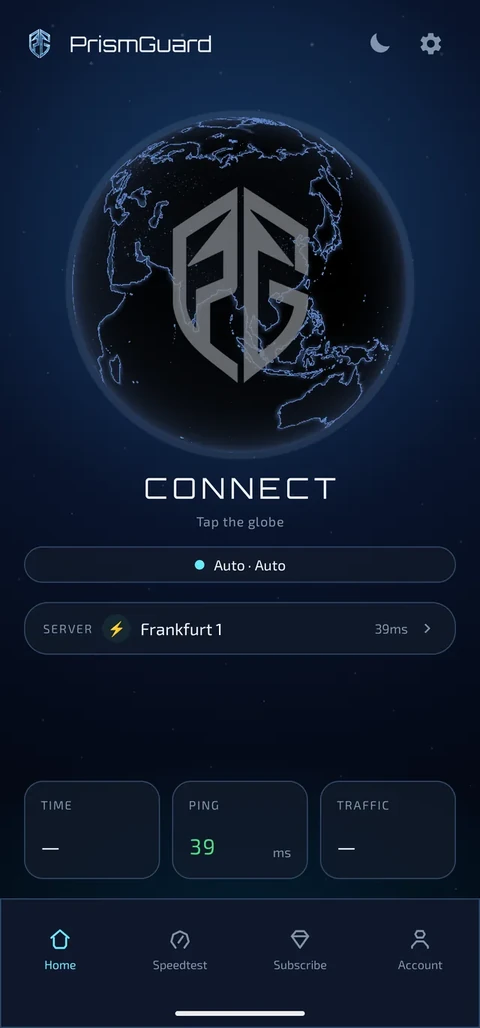
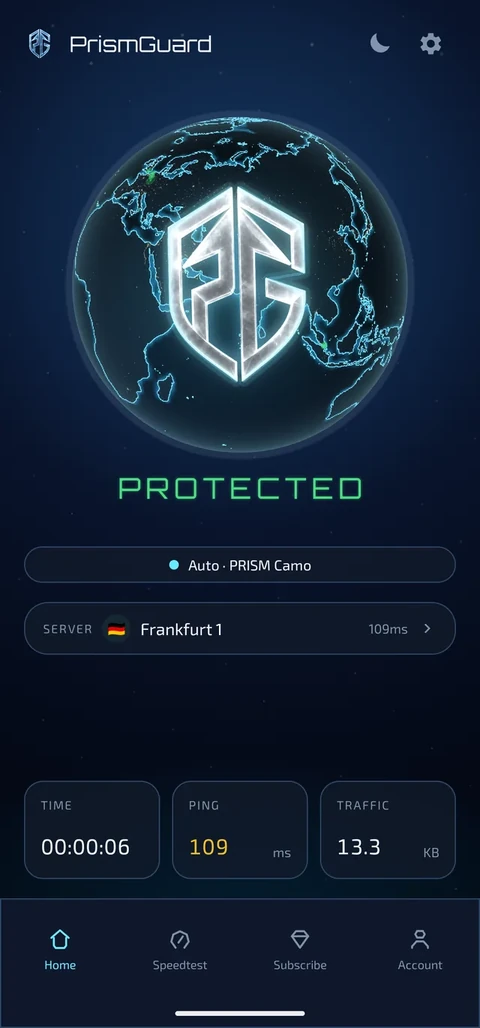
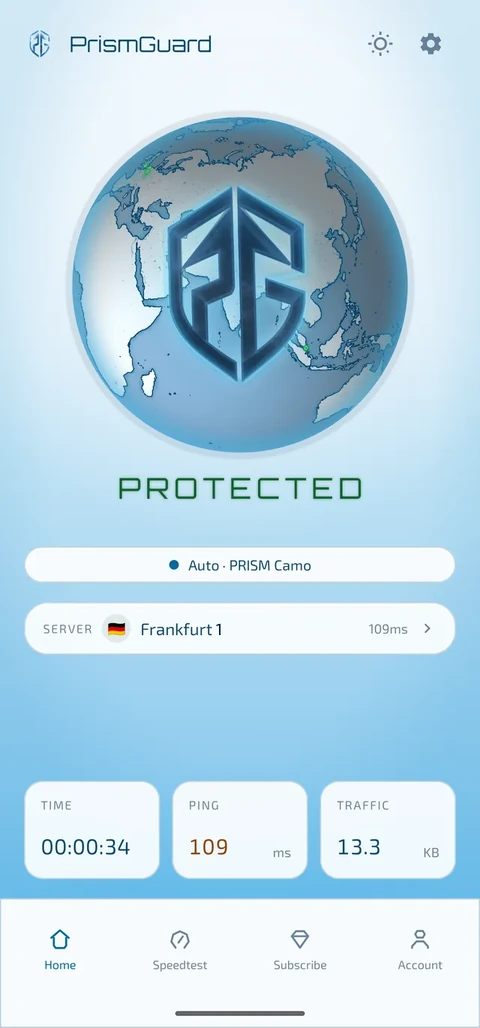
Sign in with your Solana wallet. Pay in SOL or USDC right in the app. No email, no account.
Open the Solana dApp Store on your phone and search for “PrismGuard”.
Solana dApp StorePrismGuard for Android
Sign in to the public APK with email, Telegram or Google.
The current build, served from prismguard.xyz. Other APK catalogs will be listed here later.
Download APK Get it on APKPureDownload PrismGuard only from prismguard.xyz or the Solana dApp Store.
Every official APK is signed with the same PrismGuard certificate. Check its SHA-256 fingerprint before installing.
36:D3:5C:CD:4C:B1:4A:19:A3:1F:05:90:FB:81:2C:33:E4:91:E4:B6:95:A1:60:29:DC:1E:C6:AB:44:56:2A:40 Install AppVerifier, share the downloaded APK to it and compare the SHA-256 fingerprint with the one above.
Run the command below (apksigner is part of Android SDK build-tools) and compare “Signer #1 certificate SHA-256 digest”.
$ apksigner verify --print-certs PrismGuard.apk
…
Signer #1 certificate SHA-256 digest: 36d35ccd4cb14a19a31f0590fb812c33e491e4b695a16029dc1ec6ab44562a40
If the fingerprint does not match, do not install the file — write to @PrismGuardSupportbot.
Tap “Download APK” on this page.
Android asks once to allow installs from your browser. Allow it for this file.
Open PrismGuard, sign in and tap Connect.

5 GB every month with Camo and Mirror — no card, no time limit.